

Publicado el 10 de noviembre, 2026
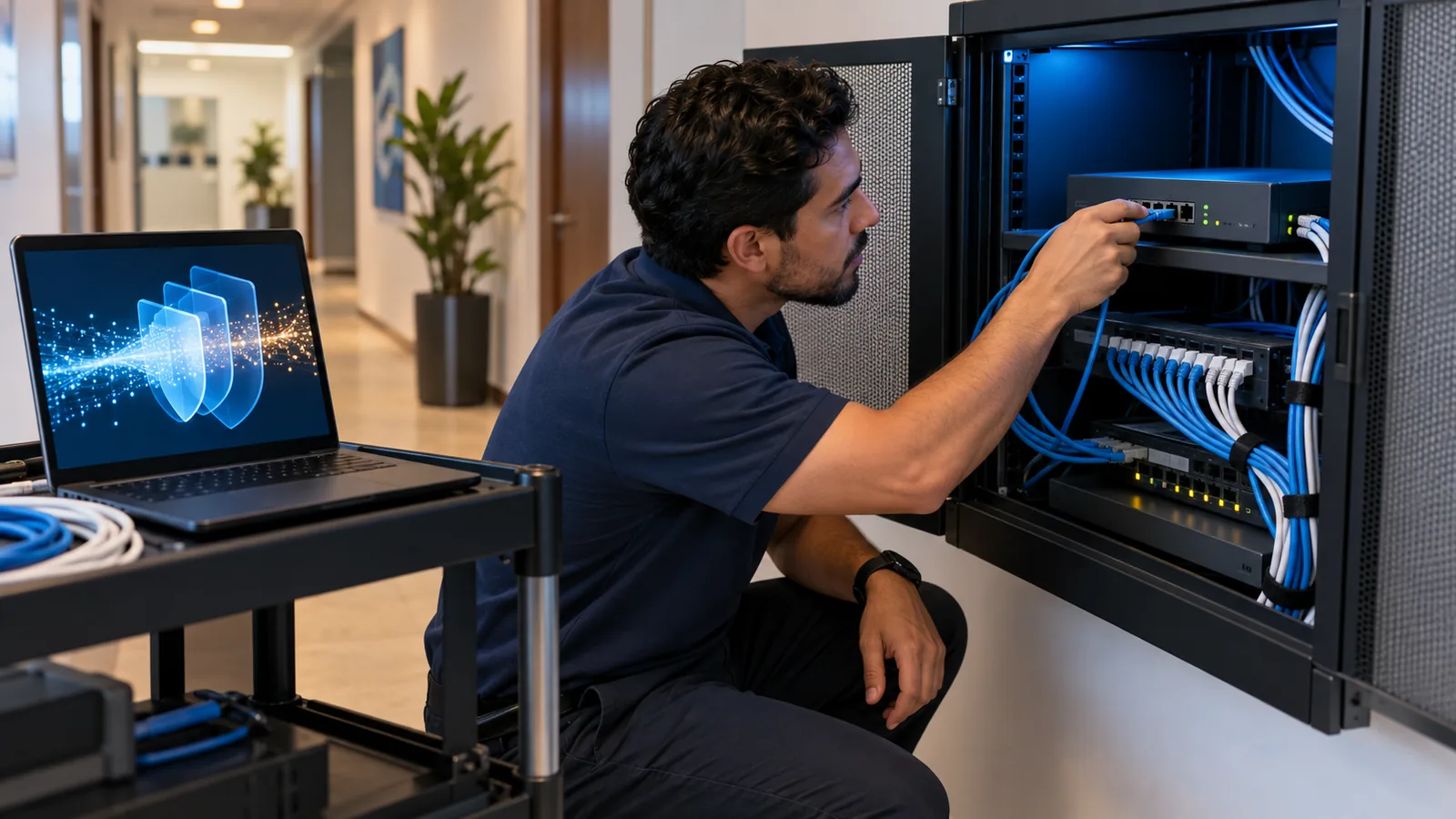
A next-generation firewall (NGFW) decides what traffic enters and leaves your network based on the application, the user and the content, not just the IP address and port. It also inspects encrypted traffic, blocks attempts to exploit vulnerabilities with an intrusion prevention system (IPS), and filters malware and dangerous sites. A traditional firewall is no longer enough because almost all browsing now travels encrypted over the same web ports, and an attack looks just like legitimate traffic if all you check is the IP and port.
What a traditional firewall does
NIST defines firewalls as devices or programs that control the flow of network traffic between networks or hosts with different security postures. A traditional firewall does this with rules based on IP addresses, ports and protocols: it allows web browsing out to the internet, blocks the rest, and opens a specific port when someone needs to reach a server.
That model worked when each application used its own port and most traffic traveled unencrypted. Fortinet sums it up in its comparison of the two: a traditional firewall classifies traffic by ports and protocols only, blocks only known network-layer threats, and makes allow-or-block decisions with no context.
In many companies that firewall is still in the rack, with rules added over the years. It works, in the sense that the network has internet access. The problem is what it lets through without seeing.
Why the port no longer tells you anything
Today almost everything goes through web ports, encrypted. Google reports that HTTPS use in Chrome reached 95% to 99% of browsing around 2020 and has stayed in that range since. Microsoft 365, a cloud ERP, a personal file-sharing service and a piece of malware talking to its command server can all use exactly the same port.
Attackers take advantage of that. In its 2024 encrypted attacks report, Zscaler found that 87.2% of the threats it blocked between October 2023 and September 2024 arrived over encrypted channels. To a firewall that only looks at IP and port, all of that is normal web traffic, and it lets it through.
What a next-generation firewall adds
Palo Alto Networks defines an NGFW as a network security device that identifies and controls applications, users and content. Fortinet describes it as a solution that extends traditional firewall functions with application awareness, intrusion prevention and deep packet inspection. In practice, that means these capabilities:
- Application control. Recognizes the real application regardless of port, so you can allow Microsoft Teams and block, for example, an unapproved file-transfer service.
- User-based policies. Rules are written per person or group, not per IP address: accounting reaches the ERP, guests reach only the internet.
- Intrusion prevention (IPS). Detects and blocks attempts to exploit known vulnerabilities in your servers and devices.
- Encrypted traffic inspection. Decrypts and inspects HTTPS traffic according to the policies you set, with exceptions such as online banking.
- Anti-malware and sandboxing. Scans files and detonates suspicious ones in an isolated environment before letting them through.
- Web and DNS filtering. Blocks malicious, phishing or disallowed categories of sites.
- Threat intelligence. Receives continuous updates from the vendor with new signatures and indicators of attack.
The firewall is also a target
For a business, the practical difference is moving from «the web port is open» to «these people use these applications, and everything that passes is inspected». But the firewall does not only protect: it also sits at the edge of your network, exposed to the internet, which is why attackers go after it.
Verizon’s 2026 Data Breach Investigations Report found that exploiting vulnerabilities is now the most common initial access vector in breaches: it rose to 31% globally and reached 44% in Latin America and the Caribbean. The same report notes that only 26% of the critical vulnerabilities in CISA’s KEV catalog were fully remediated in 2025, and that the median time to do so rose to 43 days.
In Panama, FortiGuard Labs counted 3 billion active scans during 2025, according to its 2026 threat report: traffic sweeping the internet for exposed devices and vulnerable versions. A firewall that is not updated, or that has its management panel open to the internet, is exactly what that traffic is looking for.
The US Cybersecurity and Infrastructure Security Agency (CISA) put it in writing in Binding Operational Directive 23-02: threat actors have used certain classes of network devices, including firewalls, routers and VPN concentrators, to gain unrestricted access. It therefore ordered federal agencies to take the management interfaces of those devices off the internet or protect them with Zero Trust access controls. It is a good rule for any company: apply the vendor’s security updates as soon as they ship, manage the firewall only from the internal network or through Zero Trust access, and use MFA on administrator accounts.
Next-generation features depend on subscriptions
Many companies learn this late: the hardware is only part of it. Fortinet’s documentation states that a valid FortiGuard license is required to receive antivirus and IPS engine and signature updates. Its service bundles group IPS, antivirus, sandboxing and application control, and the Unified Threat Protection bundle adds URL and DNS filtering and anti-botnet protection.
Palo Alto Networks works the same way: its subscriptions, such as Advanced Threat Prevention, Advanced URL Filtering, Advanced WildFire and DNS Security, unlock firewall features or connect the firewall to the vendor’s cloud analysis services. If subscriptions lapse, the device can keep filtering with basic rules, but it loses the updates and features that make it next-generation.
So when you compare options, look at the cost of the device together with its subscriptions over several years, not just the hardware.
How to size it: the number that matters
Datasheets list several performance figures, and the biggest one is almost never the one you will get. Take a device designed for branch offices, the FortiGate 90G: its datasheet lists up to 28 Gbps of firewall throughput, but 2.2 Gbps of threat protection throughput, measured with firewall, IPS, application control and malware protection enabled, and 2.6 Gbps of SSL inspection.
The rule is simple: size with the threat protection and SSL inspection figures, compare them with your internet link and the traffic between your internal networks, and leave room to grow. An undersized firewall forces you to turn off security features to keep the network from slowing down, and then you are back to a traditional firewall under another name.
Fortinet or Palo Alto Networks?
Both vendors offer complete next-generation firewalls, with models for companies of different sizes. The decision depends more on your environment than on a feature list: what you run today, who will manage it, how you prefer to license it and which other security pieces you need to integrate.
At Techno Sistemas we are a Fortinet partner and a Palo Alto Networks partner, so we recommend whichever fits your case. You can explore each portfolio on our Fortinet in Panama and Palo Alto Networks in Panama pages.
Signs your firewall is no longer enough
Check your current firewall against these questions. If several answers are yes, it is worth assessing it before an incident does it for you:
- Rules are written by IP and port, and nobody remembers what each one is for.
- It does not inspect HTTPS traffic.
- Security subscriptions have expired, or nobody knows when they expire.
- The firmware has not been updated in months, or the model no longer gets vendor support.
- Management is open to the internet or done with a single shared account.
- The network slows down when you turn on IPS or SSL inspection.
- Nobody reviews the logs or receives alerts.
How Techno Sistemas helps
We start with a review of your current firewall: rules, configuration, administrative access, internet exposure and subscription status. It is part of our IT and infrastructure consulting (in Spanish), and it ends with a prioritized list of changes, even if your current firewall still has years of life.
When it is time to renew, we size, sell and implement Fortinet and Palo Alto Networks firewalls, and with Fortinet you can choose between annual license renewal and FortiFlex. And if you want someone to handle the day-to-day, our monthly IT support plans cover the network and firewalls.
Frequently asked questions
What is the difference between a traditional firewall and a next-generation firewall?
A traditional firewall decides by IP address, port and protocol. A next-generation firewall identifies the application, the user and the content, inspects encrypted traffic, blocks exploit attempts with IPS, and filters malware and dangerous sites.
Does a next-generation firewall replace antivirus on computers?
No. The firewall protects traffic that passes through the office network, but a laptop working from home or a file arriving on a USB drive never goes through it. You need protection on every device and the firewall on the network, working together.
Do I need to inspect HTTPS traffic?
If you want the firewall to see threats inside encrypted traffic, yes. It requires installing a company certificate on your devices and defining privacy exceptions, such as online banking. It is best rolled out in stages so applications are not disrupted.
What happens if I do not renew my firewall subscriptions?
The device can keep filtering with basic rules, but it stops receiving IPS and antivirus signature updates and loses the features that depend on the subscription. In practice, it goes back to behaving like a traditional firewall.
How often should I update my firewall firmware?
Every time the vendor releases a security fix that applies to your version, after testing it. According to Verizon, the median time to fully remediate critical vulnerabilities was 43 days in 2025; for a device exposed to the internet, that is too long.
If you want to know whether your firewall protects what you think it does, we review its rules, configuration and exposure and tell you what to change. See our cybersecurity services
Sources
- NIST – SP 800-41 Rev. 1, Guidelines on Firewalls and Firewall Policy (2009): Firewalls defined as devices or programs that control the flow of traffic between networks or hosts with different security postures.
- Fortinet – Why NGFWs Are Crucial for Enterprise Security, Visibility, and Compliance: Comparison of a traditional firewall (ports and protocols, decisions without context) and an NGFW (applications, users and content, IPS, SSL/TLS inspection and sandboxing).
- Palo Alto Networks – What Is a Next-Generation Firewall (NGFW)? A Complete Guide: An NGFW identifies and controls applications, users and content; includes intrusion prevention, URL filtering, SSL decryption and cloud sandboxing.
- Google – HTTPS by default (2025): HTTPS use in Chrome reached 95% to 99% around 2020 and has largely plateaued since.
- Zscaler – ThreatLabz 2024 Encrypted Attacks Report (2024): 87.2% of threats blocked between October 2023 and September 2024 arrived over encrypted channels.
- Verizon – 2026 Data Breach Investigations Report, Executive Summary (2026): Exploitation of vulnerabilities is the most common initial access vector (31% globally, 44% in Latin America and the Caribbean); only 26% of KEV vulnerabilities fully remediated, with a median of 43 days.
- DPL News – Panamá registró 4.8 mil millones de intentos de ciberataques impulsados por IA (2026): FortiGuard Labs report: 3 billion active scans in Panama during 2025.
- CISA – BOD 23-02: Mitigating the Risk from Internet-Exposed Management Interfaces (2023): Threat actors have used network devices such as firewalls, routers and VPN concentrators to gain access; management interfaces must come off the internet or sit behind Zero Trust controls.
- Fortinet Document Library – Services and licensing, FortiOS 7.4.4 NGFW ATP deployment guide: A valid FortiGuard AV + IPS license is required to receive engine and signature updates.
- Fortinet – FortiGuard AI-powered Security Bundles for FortiGate: The ATP bundle includes IPS, antivirus, sandboxing and application control; UTP adds URL and DNS filtering and anti-botnet protection.
- Palo Alto Networks Docs – Subscriptions You Can Use With the Firewall: Subscriptions unlock firewall features or let the firewall use the vendor's cloud-delivered services.
- Fortinet – FortiGate 90G Series Data Sheet: Up to 28 Gbps of firewall throughput versus 2.2 Gbps with threat protection and 2.6 Gbps of SSL inspection.
Servicios relacionados
- Soporte Técnico Empresarial en Panamá
Servicio de soporte técnico para empresas en Panamá. Atención remota y presencial, diagnóstico rápido, resolución de incidencias en equipos e infraestructura IT. - Consultoría y optimización de infraestructura
Consultoría IT estratégica para empresas en Panamá. Evaluación, diseño y optimización de infraestructura tecnológica. Reducción de costos y mejora de rendimiento.